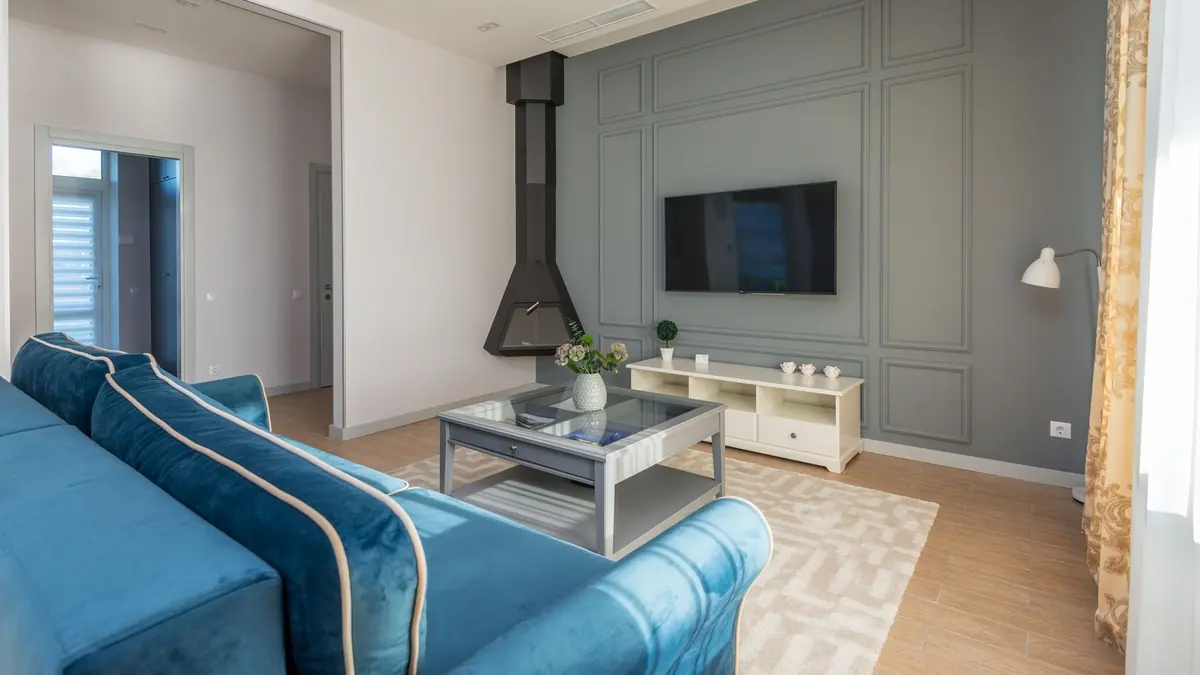
Television marketing has a structural problem: the things that most improve a picture are hard to photograph, and the things that are easy to put on a box have largely stopped mattering. Resolution is the clearest example. Above a certain screen size and below a certain viewing distance the difference between resolutions is invisible to normal eyesight, and yet it remains the headline number on almost every listing.
The result is that people spend money on specifications they will never perceive while under-buying the two things that would have transformed the picture in their particular room. This guide is about reversing that. Start with the room, not the box.
Measure the room before you look at a single model
Two measurements decide most of the decision. The first is the distance from where you sit to where the screen will go. The second is how much light the room gets during the hours you actually watch — which for most households means evenings, and for some means bright weekend afternoons.
Viewing distance sets the useful size. Sitting further away than the screen warrants wastes resolution; sitting closer than it warrants makes a large screen tiring rather than immersive. Most people, given the chance, end up happier with a larger screen than they first considered, because they have been imagining the television as furniture rather than as a picture.
Room light sets the technology. A bright room punishes panels that rely on deep blacks and rewards ones that get genuinely bright. A dark room does the opposite: high peak brightness becomes uncomfortable, and contrast becomes everything. A panel that is superb in one of those rooms can be merely adequate in the other — the same reasoning we apply to laptop screens, where dimness is the classic economy.
What actually changes the picture
| Specification | Does it matter? | When |
|---|---|---|
| Contrast and black level | Yes, most of all | Every scene, every night. The single biggest driver of perceived quality. |
| Peak brightness | Yes, in bright rooms | Daytime viewing and high dynamic range content. |
| Viewing angle | Yes, if seating is wide | Whenever more than two people watch together. |
| Resolution above 4K | Rarely | Only at very large sizes and very short distances. |
| Motion handling | Yes, for sport and games | Fast pans, football, anything with a low frame rate original. |
| Built-in speakers | Assume no | Thin televisions cannot hold good speakers. Budget for sound separately. |
Contrast is the entry at the top of that list for a reason. When people describe a picture as looking expensive, they are almost always describing black level and the control of light around bright objects. It is also the specification that manufacturers describe least honestly, because the useful figure is measured, not claimed.
Viewing angle deserves more attention than it usually gets, because it is the specification most likely to disappoint after the set is installed. Some panel technologies hold their colour and contrast almost regardless of where you sit; others wash out noticeably once you move off centre. In a room with a single armchair this is irrelevant. In a room with a three-seat sofa and a side chair, two of those seats are off-axis every evening, and a set that looks superb in the shop can look grey and flat from the end of the sofa.
Sound is a separate purchase
A television is a thin panel, and good speakers need volume of air that thin panels do not have. This is not a failure of any particular model; it is physics. Every television at every price sounds worse than a modest dedicated speaker, and the money spent moving up two television tiers would do more for the experience if part of it went on sound instead.
If you take one practical step from this guide, make it this: set aside a portion of the budget for a soundbar or a pair of speakers from the beginning, rather than discovering the need after the fact.
The settings that undo the shop
Televisions leave the factory configured to look striking under shop lighting, which means over-bright, over-saturated, and with motion processing turned up. The first hour with a new set should be spent undoing this.
- Switch the picture mode away from Vivid or Dynamic. Filmmaker, Cinema or Calibrated modes are closer to how the content was made.
- Turn off motion smoothing for films and drama. Leave it on, if you like it, for sport.
- Turn off dynamic contrast and noise reduction, which soften detail rather than enhance it.
- Set brightness for the room you actually watch in, and set it again for daytime if the difference is large.
These changes cost nothing and improve the picture more than a tier upgrade would. It is the closest thing to free money in consumer electronics.

Where the money is better spent
Once the room has decided the size and the technology, the remaining budget has better homes than a higher model number. Sound is the first. A decent mount or stand is the second, because screen height affects comfort more than most people expect — the centre of the screen wants to be at roughly eye level when you are seated, and most furniture puts it lower.
The third is simply waiting. Television pricing follows a predictable annual rhythm, and the same set costs meaningfully less a few months into its life. We map that cycle out in the best times of year to buy each category, and televisions are one of the categories where patience is most rewarded.
What to know before you buy
- Measure the seating distance first. It determines the size, and size is the decision people most often get wrong.
- Judge the room’s light honestly, at the hours you actually watch rather than at the moment you are shopping.
- Count the seats. Wide seating makes viewing angle a primary specification rather than a footnote.
- Budget for sound separately from the beginning.
- Check the ports you need, and how many support the features you care about. Not all inputs are equal.
- Plan to change the picture settings on day one, before forming an opinion of the picture.
Is a more expensive television always a better picture?
No. Above the mid tier, price increasingly buys features rather than picture — thinner design, faster interfaces, better build. A well-chosen mid-tier set in the right room routinely looks better than an expensive one in the wrong room, because room light and viewing distance dominate.
Do I need the highest available resolution?
Only if you sit unusually close to an unusually large screen. For typical living-room distances the extra pixels are below the threshold of normal vision. The same money spent on contrast or brightness is money you will actually see.
How long should a television last?
Long enough that longevity should influence the purchase. Panels generally outlast the software running on them, which is why the smart platform ages first — a set that still looks good but has become slow to navigate is the common failure mode. An external streaming device solves that cheaply, so do not let the built-in platform drive the decision, and do apply the framework in five questions before any large purchase.
The shortest version of this guide is that a television is bought for a room, not for a specification sheet. Measure the distance, be honest about the light, choose the size and the panel technology those two things point to, keep money back for sound, and spend the first hour turning off everything the factory switched on. Do that and a mid-priced set will outperform an expensive one chosen the usual way.